
Supabase Login with Google in WordPressStep-by-Step Guide for 2026
Supabase Login with Google in WordPress
Step-by-Step Guide for 2026
Configure Google OAuth, connect Supabase to WordPress, and enable secure JWT authentication with real-time role sync — in under 5 minutes.
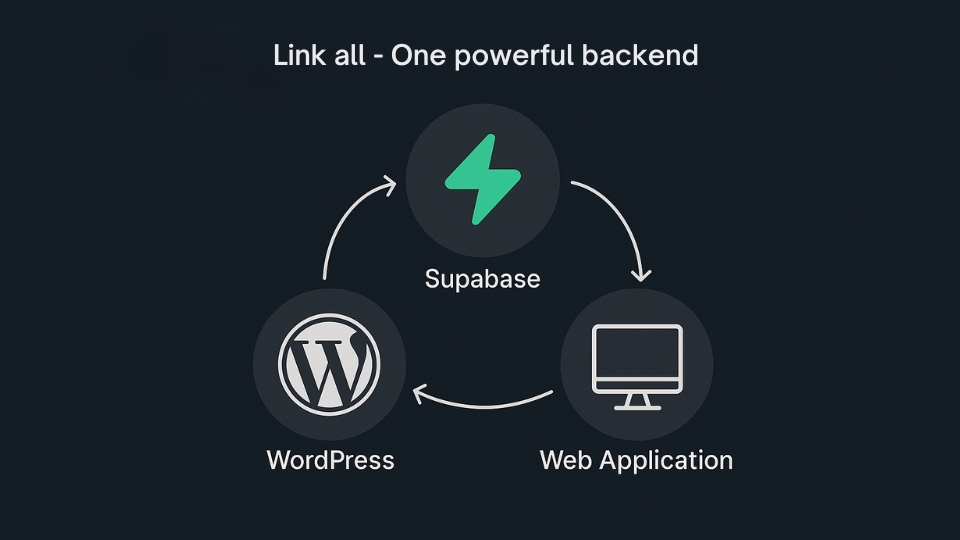
TL;DR — Checklist
What Is Supabase Login with Google in WordPress?
Supabase login with Google allows users to authenticate using their Google account through Supabase’s OAuth system, then securely sync that session with WordPress — using JWT, PostgreSQL user storage, and Row Level Security.
Under the hood, this uses:
- Google OAuth 2.0
- Supabase authentication engine
- JWT token validation
- Supabase PostgreSQL user storage
Unlike traditional WordPress login, this replaces passwords with secure cloud-based identity management — a modern authentication layer, not just a social login button.
OAuth 2.0
Auth + JWT
Session
Why Use Supabase Instead of Default WordPress Login?
Short answer: scalability and control. WordPress auth is fine for blogs — not for:
- SaaS platforms
- Headless WordPress
- Realtime apps
- Cross-platform identity
Supabase provides:
- Centralized authentication
- Supabase Realtime session tracking
- Row Level Security (RLS)
- PostgreSQL-based identity storage
- Google, GitHub, and magic link support
Step 1: Create Google OAuth Credentials
You’ll need credentials from Google Cloud Console:
Go to Google Cloud Console
Navigate to APIs & Services → Credentials
Create OAuth Client ID
Click Create Credentials → OAuth Client ID and choose Web Application
Add Authorized Origins
Add your site URL under Authorized origins
Add Supabase Redirect URI
Add your Supabase callback URL under Redirect URIs — this is where most setups fail
Copy Client ID & Secret
Save your Client ID and Client Secret — you’ll need them in Step 2
Step 2: Enable Google Provider in Supabase
Inside Supabase Studio, activate Google as an authentication provider:
Go to Authentication
Open your Supabase project → Authentication → Sign In / Providers
Enable Google
Toggle Google on and paste your Client ID and Client Secret from Step 1
Save Changes
Click Save. Supabase can now authenticate users via Google OAuth.
Step 3: Connect WordPress to Supabase
Not Recommended
- Custom code required
- REST API handling
- Token validation logic
- User creation hooks
- Session handling
- Role syncing manually
WP Supabase Integration
- Install the plugin
- Paste Supabase Project URL + Public Key
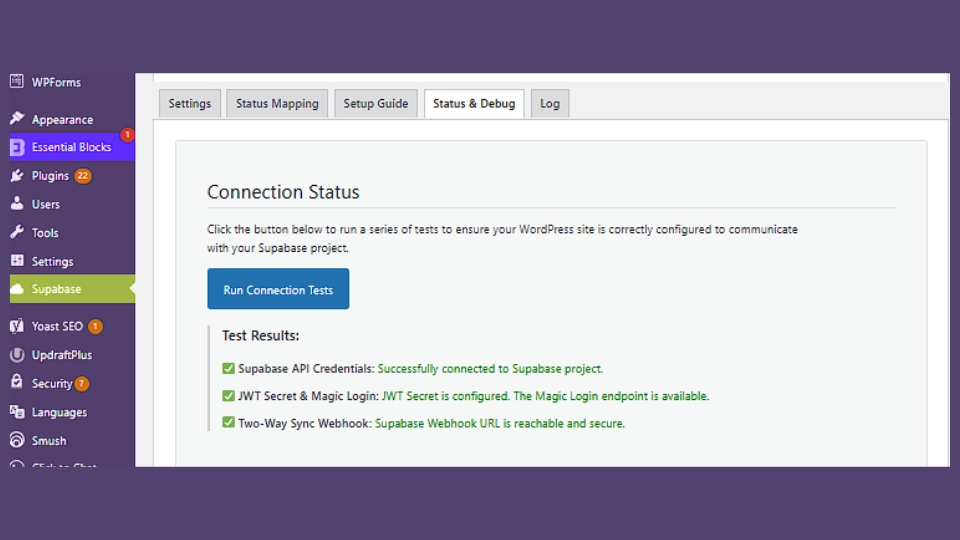
- Run connection test
- Enable Google login
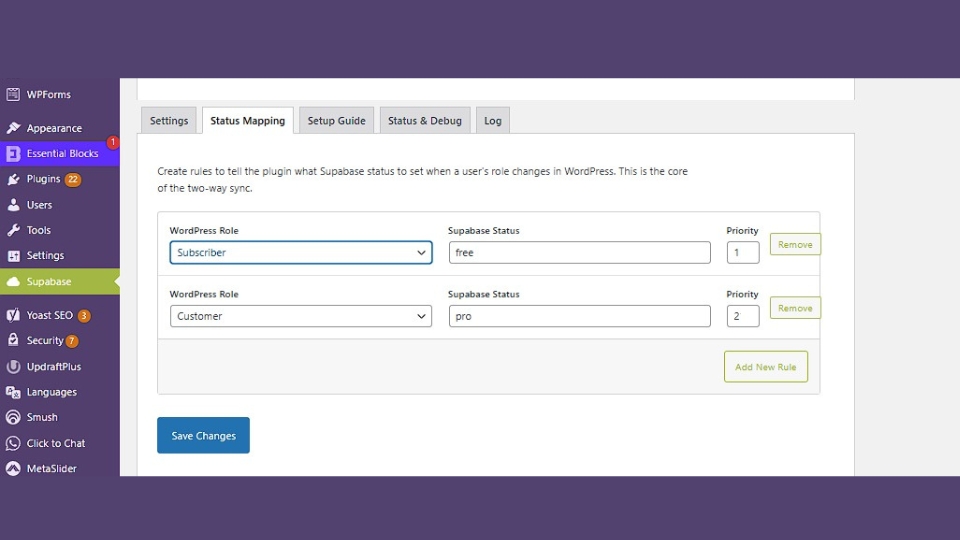
- Map Supabase roles to WordPress roles
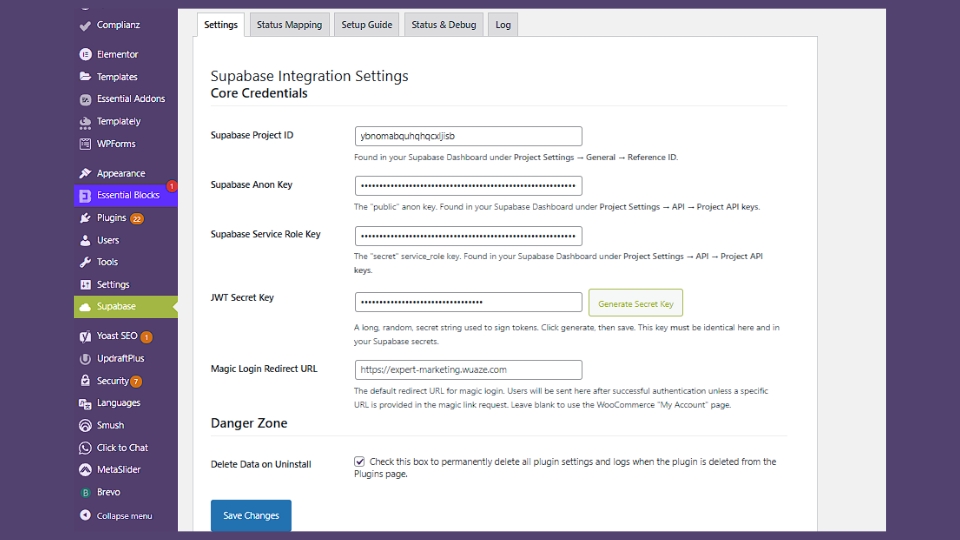
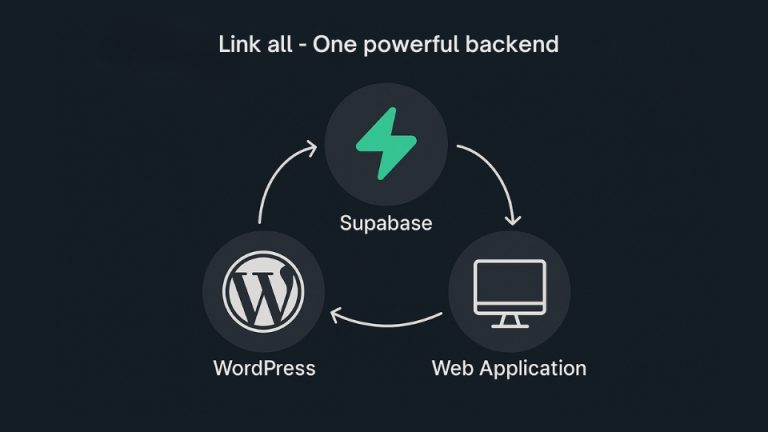
The manual method is fragile. One misconfigured JWT secret and your users desync instantly. Here’s what happens with WP Supabase Integration:
User Logs In via Google
Supabase authenticates the Google account via OAuth 2.0
WordPress User Created/Updated
The plugin automatically creates or updates the matching WordPress user
Roles Sync Instantly
Supabase roles map to WordPress roles — no delay, no conflicts
JWT Issued & Session Secured
WordPress validates the JWT token and establishes a secure session
Ready to connect WordPress & Supabase?
No custom code. True two-way sync. Enterprise-grade security.
Inside the Plugin: Real Screenshots
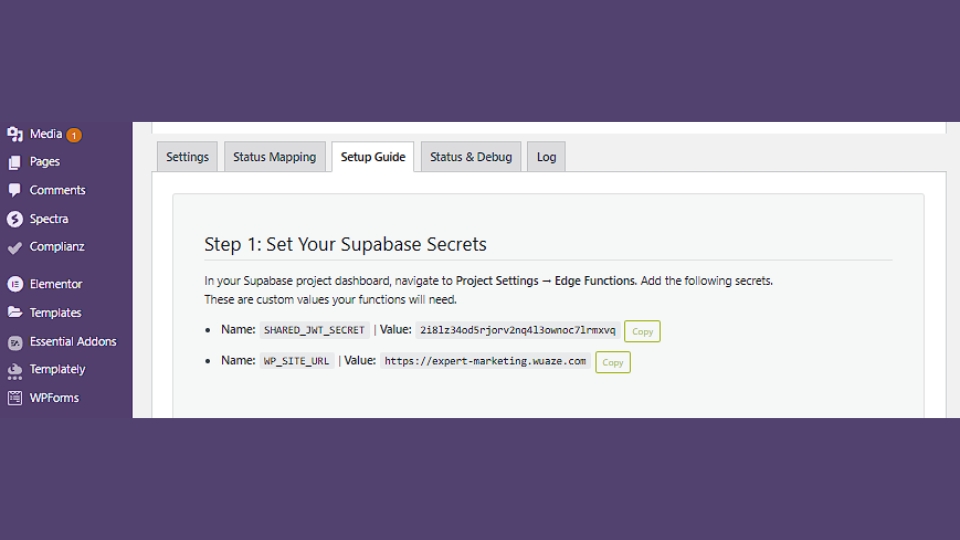
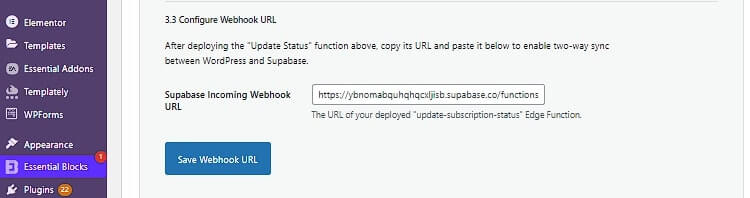
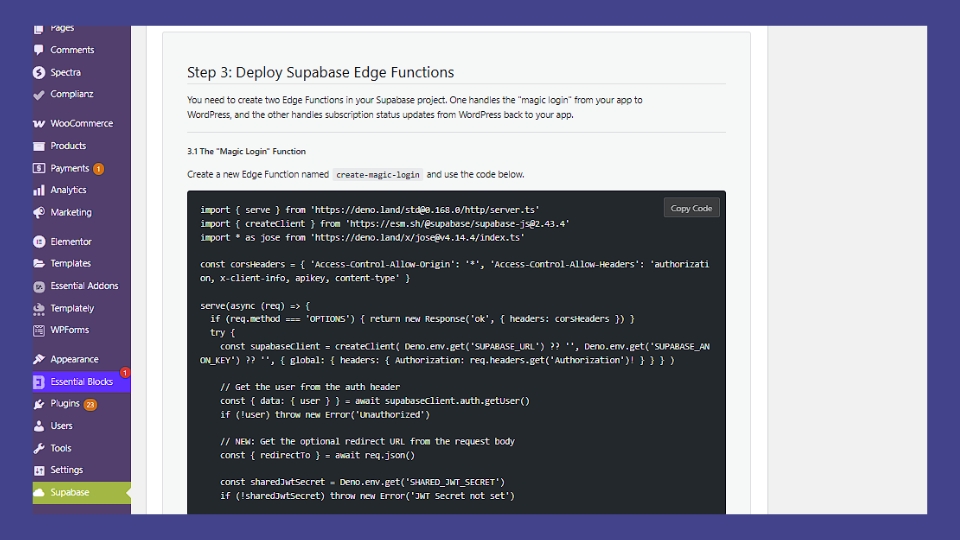
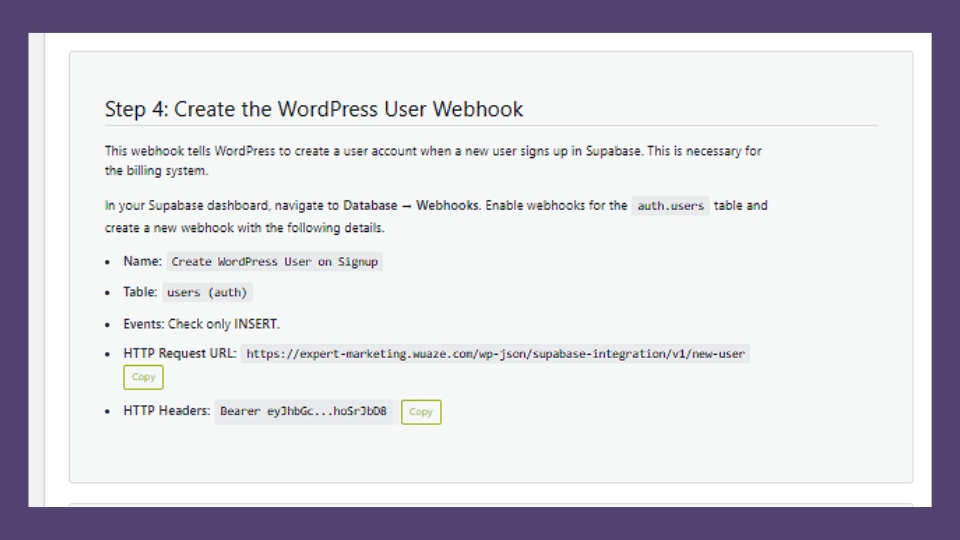
Here’s a real look at every step inside the WP Supabase Integration plugin dashboard — from credentials to live event monitoring.
How JWT Authentication Works in This Setup
Google Verifies Identity
User authenticates with Google credentials via OAuth 2.0.
Supabase Issues JWT
Supabase creates a signed JWT containing user identity and role claims.
WordPress Validates Token
The plugin validates the JWT and establishes a secure WordPress session.
Session Secured
Enables secure API calls, headless frontend access, and protected routes.
Enabling Supabase Realtime After Google Login
Live Dashboards
Real-time data updates without page refresh or polling.
Chat Systems
Instant messaging with user-aware subscriptions.
Notifications
Push updates to authenticated users the moment events happen.
Enable table replication inside Supabase: Database → Publications → Toggle replication
Role Mapping: The Hidden Power Move
Most plugins stop at authentication. WP Supabase Integration goes further with centralized role mapping.
| Supabase Role | WordPress Role | Use Case |
|---|---|---|
user | Subscriber | Standard registered user |
pro | Member | Paid plan access |
admin | Editor | Content management |
premium | Administrator | Full access tier |
- WooCommerce access levels
- LearnDash course permissions
- MemberPress membership tiers
- SaaS subscription gating
Supabase vs Firebase for WordPress Authentication
| Feature | Supabase | Firebase |
|---|---|---|
| Database | PostgreSQL | NoSQL |
| Row Level Security | Yes — native | Limited |
| Open Source | Yes | No |
| SQL Support | Yes | No |
| Pricing Transparency | Clear tiers | Complex scaling |
| WordPress Integration | Native plugin | Custom code only |
Security Best Practices
- Store API keys securely — never in client-side code
- Never expose your service role key
- Use HTTPS only on all endpoints
- Configure CORS headers properly
- Enforce Row Level Security on all tables
- Enable rate limiting on auth endpoints
Common Errors & Fixes
| Error | Root Cause | Fix |
|---|---|---|
| Login works but WP doesn’t recognize user | JWT secret mismatch | Verify JWT secrets match in plugin settings |
| User created twice | No two-way sync logic | Enable two-way sync in plugin settings |
| Google redirect fails | Wrong callback URL | Copy exact redirect URI from Supabase dashboard |
| Realtime not syncing | Table replication disabled | Enable replication in Supabase Publications |
Frequently Asked Questions
Final Thoughts
Ready to Add Google Login to WordPress?
Authentication isn’t just a button — it’s infrastructure. Set it up correctly once, and it works everywhere.


One Comment