Supabase Realtime + WordPress
Supabase Realtime + WordPress
Complete Setup Guide for 2026
Enable live dashboards, real-time user sync, and instant notifications in WordPress — using PostgreSQL replication, RLS, and JWT authentication.
TL;DR — Checklist
What Is Supabase Realtime?
Supabase Realtime is a feature built on top of PostgreSQL replication. It allows clients — like WordPress or a frontend app — to listen to database changes and receive updates instantly via WebSockets, without polling.
Unlike traditional polling APIs that fire every few seconds, Realtime uses a persistent WebSocket connection:
User Updates Profile
WordPress reflects the change instantly — no page reload required.
Admin Publishes Content
Dashboard updates live across all connected sessions in real time.
New Message Sent
Chat interface updates instantly for all participants without any refresh.
Why Use Supabase Realtime with WordPress?
WordPress is traditionally request-based: you load a page, PHP runs, page renders. It was not built for:
- Live SaaS dashboards
- Collaborative tools and multi-user editing
- Instant notifications
- Chat systems
- Real-time order tracking
Supabase Realtime transforms WordPress into a live application layer. Instead of acting like a static CMS, it becomes a real-time backend-connected platform. This is critical for:
- Membership sites needing live access control
- LMS systems with live progress tracking
- WooCommerce live order updates
- SaaS platforms built on WordPress
- Headless WordPress apps
How Supabase Realtime Works Under the Hood
Here’s the full architecture — from a database change all the way to a live WordPress update:
Step 1: Enable Realtime in Supabase
Inside your Supabase dashboard, activate replication for the tables you want to use with Realtime:
Go to Database
Open your Supabase project dashboard and navigate to the Database section.
Open Publications
Find Publications under Database — this controls which tables are replicated.
Select Tables
Choose the specific tables you want Realtime to monitor (users, messages, orders, etc.).
Toggle Replication ON
Enable replication for each table. Without this — Realtime will not fire. This is the #1 mistake.
Step 2: Configure Row Level Security (RLS)
RLS is not optional — it’s mandatory. Without it, users can subscribe to data they shouldn’t see.
user_id = auth.uid(). This ensures each user only subscribes to their own data changes.
If you skip RLS, any authenticated user could subscribe to all table changes — including other users’ data. That’s a critical security failure.
Security Disaster
- Any user sees all row changes
- Private data exposed to all subscribers
- No per-user data filtering
- Compliance violations
Secure by Default
- Each user sees only their own data
- SQL-based policy enforcement
- Works at the database level
- Production-ready security
Supabase provides SQL-based RLS policies directly inside the database. This is one of the biggest advantages of Supabase vs Firebase — SQL + RLS gives far more flexible, granular control than rule-based NoSQL access.
Step 3: Connect WordPress to Supabase Realtime
You have two options — and only one of them is reliable in production:
Fragile Approach
- Supabase JS client setup
- Script enqueuing in WordPress
- JWT handling manually
- Channel subscriptions
- Event listeners
- Role verification
Reliable Architecture
- JWT automatically synced
- WordPress session aligned
- Realtime channels authenticated
- Role mapping enforced
- Secure headers configured
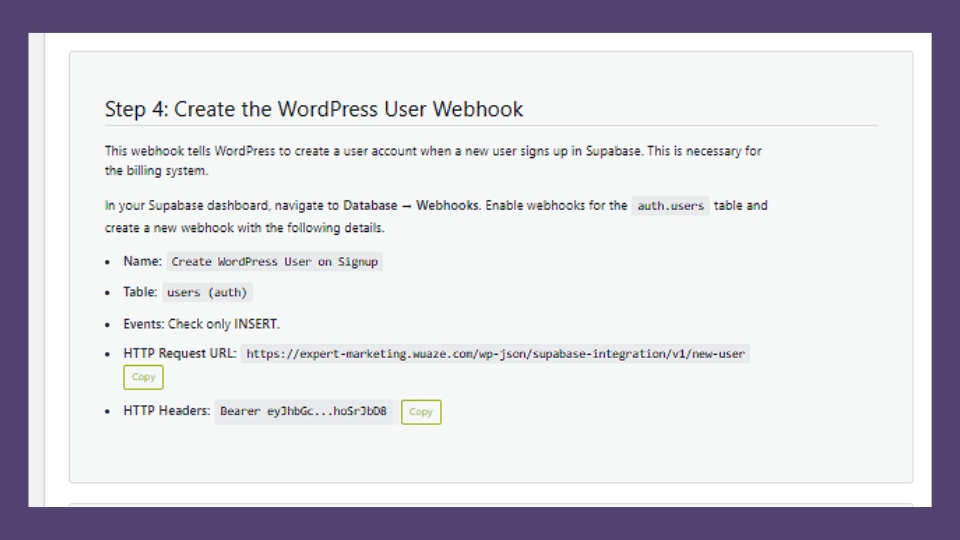
Session mismatch is the #1 cause of broken Realtime in WordPress. Manual integration is fragile — one misconfigured JWT secret breaks the entire subscription chain.
Make WordPress Realtime-Ready
No custom WebSocket code. JWT aligned automatically. Built for production.
Practical Use Cases
Here’s what Supabase Realtime + WordPress actually enables in production:
Live User Dashboards
When a user’s subscription level changes: the database updates → Realtime fires → the WordPress dashboard reflects the new access level instantly. No reload. Perfect for SaaS & membership platforms.
WordPress Chat System
Create a messages table, enable replication, subscribe users to their conversation channel. When someone sends a message → all participants see it instantly. No third-party chat SaaS required.
WooCommerce Live Orders
New order inserted → admin dashboard updates instantly. Powerful for high-volume stores, multi-vendor marketplaces, and fulfillment dashboards that need live visibility.
LMS Student Progress Tracking
When a lesson is completed: database updates → instructor dashboard updates live. This transforms a WordPress LMS into modern SaaS-like behavior without rebuilding the platform.
Supabase Realtime vs Firebase Realtime
Many WordPress developers evaluate Supabase against Firebase. Here’s what matters for a WordPress environment:
| Feature | Supabase | Firebase |
|---|---|---|
| Database Type | PostgreSQL | NoSQL |
| SQL Queries | Yes — full SQL | No |
| Row Level Security | Native RLS | Rule-based only |
| Self-Hosting Option | Yes | No |
| Open Source | Yes | No |
| WordPress Integration | Native plugin | Custom code only |
| Pricing Transparency | Clear tiers | Complex scaling |
If your WordPress site relies on structured relational data — and most do — Supabase is a far better architectural match than Firebase.
Common Errors & Fixes
These are architecture problems — not plugin problems. Here’s what causes them and how to fix each one:
| Error | Root Cause | Fix |
|---|---|---|
| Realtime not firing | Table replication disabled | Go to Database → Publications → toggle replication ON |
| Users see other users’ data | RLS not configured | Add RLS policy: user_id = auth.uid() |
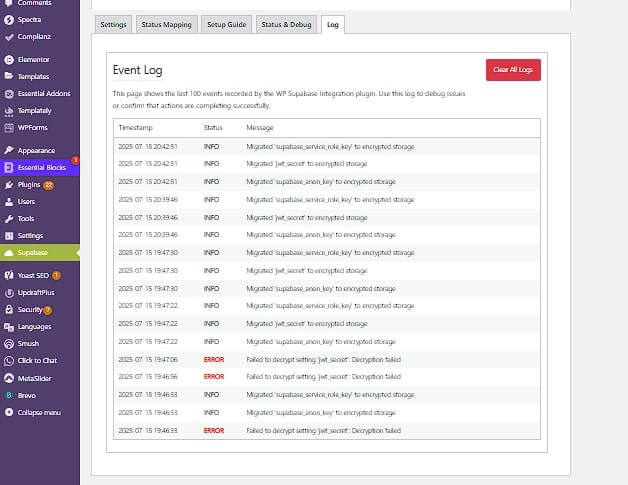
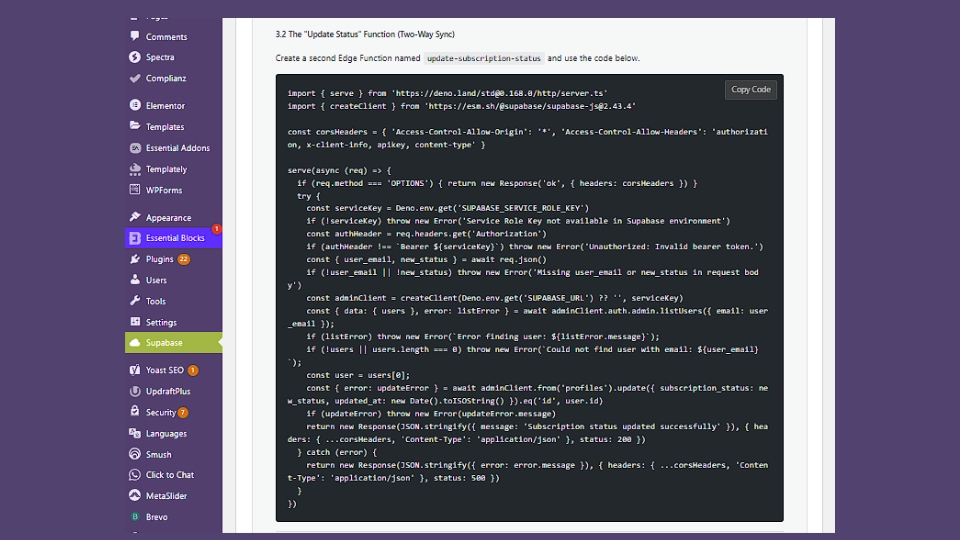
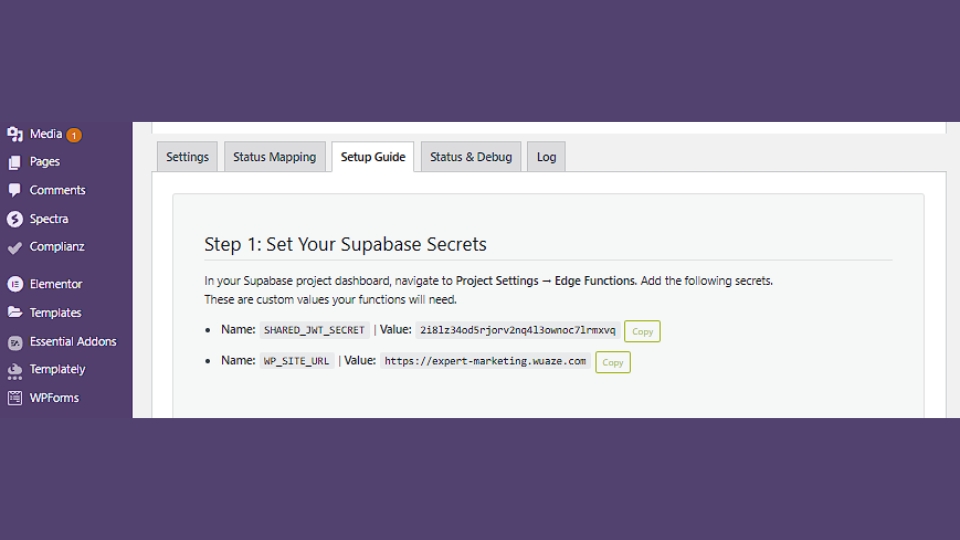
| WordPress shows logged out | JWT secret mismatch | Verify JWT secrets match in plugin settings |
| Data delayed or not arriving | Listening to wrong channel type | Use postgres_changes not broadcast for DB events |
Security Best Practices
When using Supabase Realtime in production, these are non-negotiable:
- Never expose the
service_rolekey — use only the public anon key client-side - Enforce RLS on every table that uses Realtime
- Validate JWT on the WordPress side before granting access
- Use HTTPS only — WebSocket connections must be
wss:// - Configure CORS headers properly to prevent unauthorized origins
- Monitor bandwidth and concurrent connections on Supabase paid plans
Frequently Asked Questions
Final Thoughts
Ready to Make WordPress Realtime?
Most implementations fail because they skip replication, ignore RLS, or misconfigure JWT. WP Supabase Integration handles all of it — out of the box.